
AI training for schools and businesses.
From Gemini and Microsoft 365 Copilot to Claude, Canva AI and responsible use, we help your people get safe, practical value from AI. Delivered by our certified trainers, in person or online, and adapted to your setting.
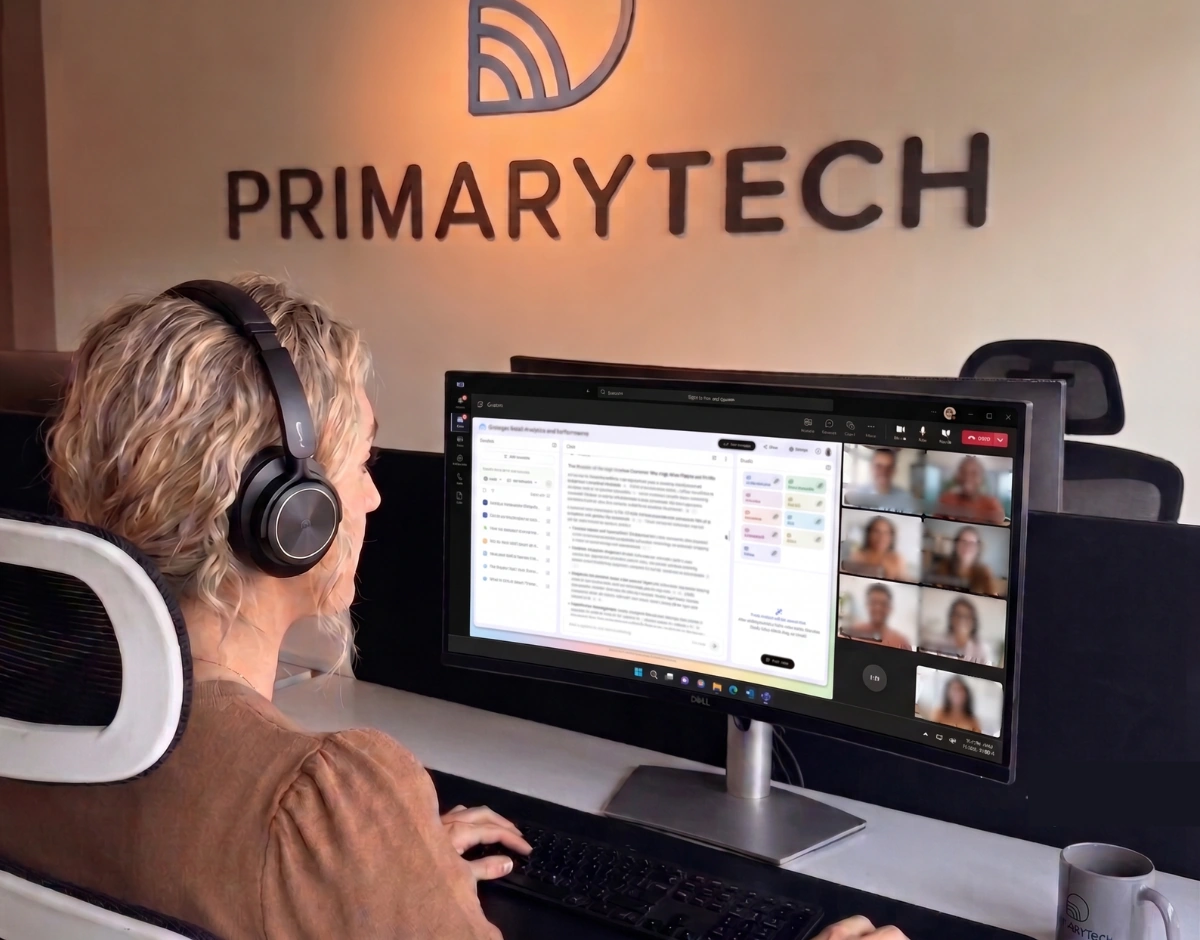
AI training courses.
Eight sessions across the major AI platforms, from certification bootcamps to responsible-use CPD. Delivered for schools and businesses, in person or online. It sits alongside our AI Solutions service.
Gemini Certified Educator Bootcamp
Prepares staff for the Gemini Certified Educator qualification: understanding Gemini and how to integrate Google AI responsibly to support productivity, student outcomes and innovative teaching practice.
Gemini for Students
An age-appropriate introduction to AI for pupils, built around Google's Gemini Certification for Students (K12) curriculum: what AI is, how and when to use it, an introduction to Gemini, and how to write effective, responsible prompts. Delivered directly to pupils, with a short assessment they can complete to gain the certification.
Art of the Possible with Gemini and Gemini Notebook
A hands-on exploration showing staff what is actually possible with Gemini and Gemini Notebook in day-to-day school life, from lesson planning and differentiation to curriculum-locked research and summarisation.
Responsible Use of AI in Schools
A staff CPD session built around a simple, memorable framework rather than a policy lecture. Four practical rules for using AI responsibly, whatever tool your school uses: edit before anything reaches a pupil or parent, strip out identifying details before prompting, be upfront with pupils about AI-generated material, and anchor every request in your school's own curriculum.
Canva AI Tools for Education
A hands-on look at Canva's AI tools and how to use them responsibly with pupils and in staff workload. Covers the Magic Studio suite (Magic Design, Magic Write, Dream Lab image generation and Magic Charts), the conversational Canva AI 2.0 experience for building a full design from a plain-English description, and Canva Code for building simple interactive classroom tools such as quizzes and trackers, with no coding background.
Hands-On Training with Microsoft 365 Copilot
Practical, hands-on training in Microsoft 365 Copilot: integrations across Word, Excel, PowerPoint and Outlook, working with agents, and how Work IQ connects context across your organisation's data.
Securly AI: Setup for Success
Getting Securly AI configured and embedded correctly from day one, so your school gets full value from the product straight away.
Getting to Know Claude
An introduction to Claude by Anthropic, for organisations wanting to look beyond Gemini and Copilot. Covers what Claude is and how it differs from other AI assistants, the different Claude models and when to use each, Claude Cowork for delegating multi-step knowledge work such as research, analysis and document creation, and an introduction to Claude Code for technical staff working with code.
Trusted across every sector.
Frequently asked questions.
Can PrimaryTech help us adopt AI safely?
Yes. We help you adopt AI tools you may already have, Copilot, Gemini and Claude, in a practical, safe and training-led way. That includes AI usage policies and governance, getting the right licences, and keeping your data out of public models.
Is it safe to use AI tools like Copilot with our business data?
It can be, with the right setup, which is exactly what we help you get right. The risks come from ungoverned use: staff pasting sensitive data into public AI tools, or licences that do not keep your data private. With proper governance, the right paid licences (Copilot in Microsoft 365, Gemini in Google Workspace), and access controls, you can use AI on your data safely and keep it out of public models. We set up your AI policies, safeguarding and staff training, and put the whole framework in place so your team can use AI confidently and securely.
What is the difference between Copilot and Gemini, and which should we use?
Microsoft Copilot is a paid add-on to Microsoft 365, used across Teams, Outlook, Word and Excel; Google Gemini is a paid add-on to Google Workspace, used across Gmail, Docs, Sheets and Meet. Which suits you depends on which platform you run. We help you right-size licences, lock down data access, and train your team to use whichever you choose, and Claude where it fits.
Ready to build your team's AI skills?
Tell us a little about your organisation and where you would like to start. Honest, practical, no obligation.